This is a summary of the different values of the position CSS property and how they behave. Where possible, I’ve added examples to help show them in action.
There are 5 values for the position property:
staticfixedabsoluterelativesticky
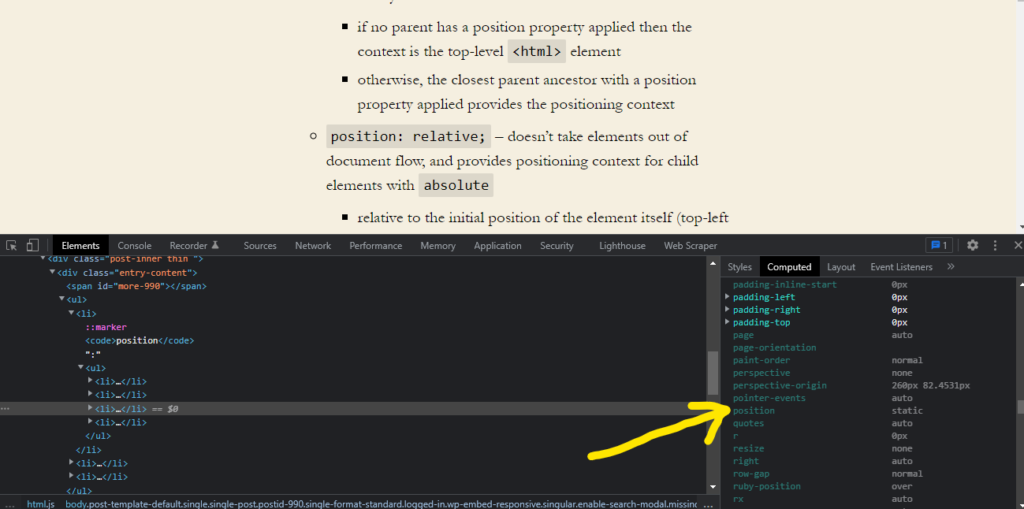
position: static
- The default value for all elements.
- Follows normal document flow.
- Setting
top,right, etc does not impactstaticelements.
position: fixed
- Element taken out of normal document flow.
- Positioning context becomes the viewport.
- Can set
top,right, etc. - Behaves similar to an
inline-blockelement (e.g. width is equal to parent’s).
Example
See example in bottom-left of page.
position: fixed;
position: absolute
- The element’s positioning context is the closest parent ancestor with a
positionproperty applied, otherwise it’s the<html>element.
Example
- Blue = just a containing element, no
positionproperty - Red =
position: relative - Green = no
positionproperty - Black =
position: absoluteandtop: 0
position: absolute;
As you can see, the absolute positioning (along with the top placement) skips the green parent and places the top of the black element in line with its grandparent, the red element (with position: relative).
position: relative
- Elements stay in document flow.
- Positioning context is the initial position of the element itself.
- Provides positioning context for
absoluteelements. - If pushed outside of parent element, you can use
overflow: hiddento hide the overflowing area from view.
Example
The second element has position: relative and left: 40px applied. Relative to its original position, it just moves (or is ‘pushed’) 40 pixels to the right.
First element
Second element
Third element
position: sticky
- A hybrid of
relativeandfixedpositioning. - Behaves like
fixedwhen adding a property liketop. - The limit or outer edge (in relation to
top, for instance) is the border of the element (does not include margin). - The element stops being
fixedwhen it reaches the end of its parent element. - There is partial support for
sticky, so proceed with caution. - Does not work if a ancestor element has the
overflowproperty applied to it.
Example
This does not work because an ancestor has the overflow property applied to it. 🙁
Sticky element